
Productivity SaaS
Linearlinear.app
A polished product-development brand using a custom homepage card and generated inner-page cards.
Linear uses a distinct homepage image and generated OG image URLs for inner pages like Changelog and Customers.

Fintech
Stripestripe.com
A high-polish brand with different OG treatments for marketing, documentation, and editorial pages.
Stripe uses different OG images for the homepage, docs, and blog in the sampled pages.
Design Platform
Figmafigma.com
A design brand using high-fidelity visuals across homepage, blog, and product pages.
Figma uses different OG images for homepage, blog, and design product pages in the sampled pages.

Developer Platform
Vercelvercel.com
A developer platform whose homepage and blog previews are strong, but whose docs sample shows why coverage checks matter.
Vercel uses separate homepage and blog OG images in the sample. The docs sample is useful as a missing-metadata case to audit.

Consumer Technology
Appleapple.com
A globally searched design reference with simple homepage metadata and richer product-page OG images.
Apple uses a default homepage image, then page-specific OG images for iPhone and Mac.

Marketing SaaS
Mailchimpmailchimp.com
A recognizable marketing brand with different OG images for homepage, pricing, and resource pages.
Mailchimp uses different OG images for homepage, pricing, and resources pages.
Productivity SaaS
Notionnotion.com
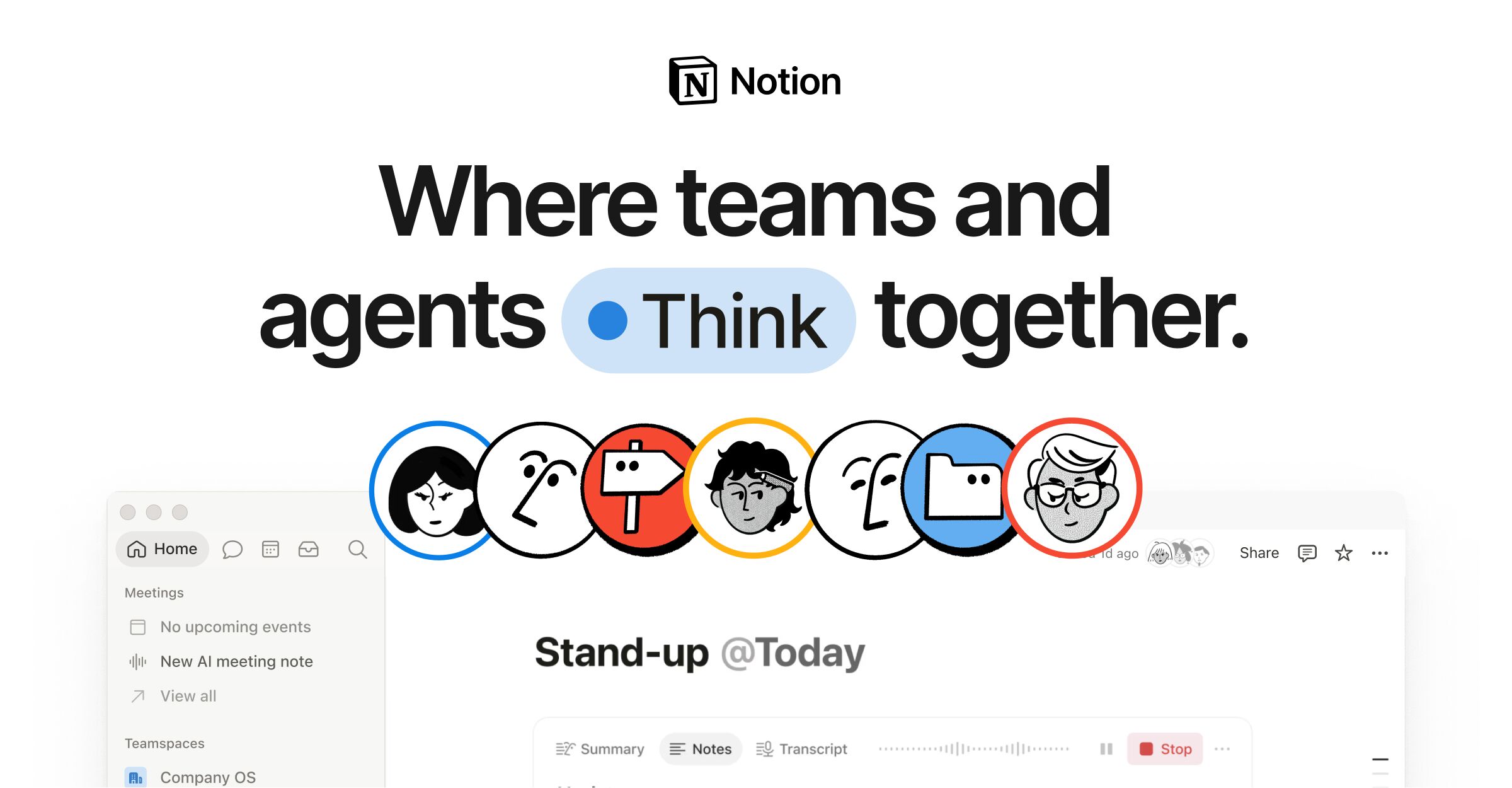
A high-awareness productivity brand with a generated template marketplace preview beside a shared homepage/product image.
Notion shares the homepage/product OG image, then uses a generated OG endpoint for templates.

Website Builder
Webflowwebflow.com
A popular design and no-code brand with strong section-specific previews for homepage, blog, and templates.
Webflow uses different OG images for homepage, blog, and templates pages.
Design Tool
Canvacanva.com
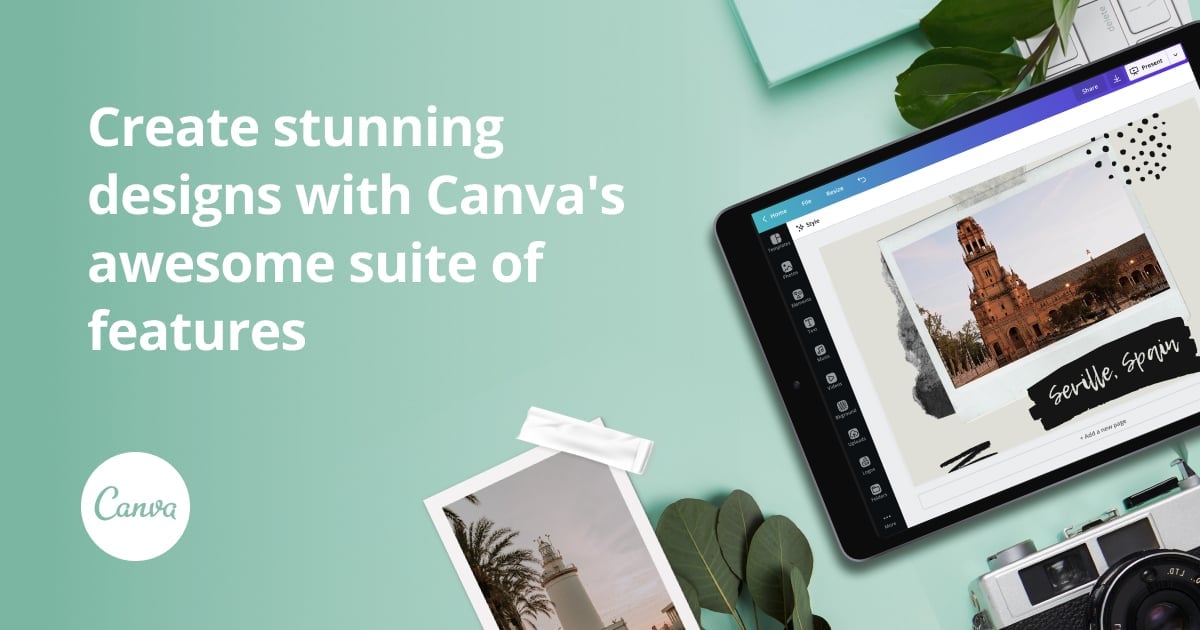
A mainstream design brand with feature-page OG imagery and a useful unsupported-client metadata sample.
Canva's sampled feature page has a specific OG image, while the templates response shows fallback metadata.

Website Builder
Framerframer.com
A design-led website builder with distinct OG images for homepage, templates, and blog pages.
Framer uses different OG images for homepage, templates, and blog pages.

Developer Platform
GitHubgithub.com
A broad product site where homepage, feature, and pricing previews each do different jobs.
GitHub uses different OG images for homepage, Actions, and Pricing in the sampled pages.

Marketplace
Airbnbairbnb.com
A widely searched consumer brand where homepage and support pages have metadata, while a sampled listing page did not expose obvious OG tags.
Airbnb shows homepage/help metadata, while the sampled listing URL is a missing-coverage case.
Why page-specific OG images matter
A homepage preview, a documentation preview, a blog preview, and a pricing preview have different jobs. The homepage has to make the brand memorable. A docs page has to signal usefulness. A pricing page has to support a decision. One default image rarely does all of that well.
That is where automatic URL-based OG generation fits: crawl the page, read the title and description, detect brand signals, then serve a preview that matches the specific URL without asking the site owner to design every card by hand.
The useful part is not collecting pretty thumbnails; it is checking how preview systems behave across a site.
Audit your own social preview
Paste a URL and check the tags, image, and crawler-facing preview.