What is an OG Image?
Paste a link into Slack, LinkedIn, or X and a card pops up — image, title, description. That card is an Open Graph preview. The image in it is the OG image, set with an og:image meta tag in your HTML as part of the Open Graph protocol that Facebook introduced in 2010.
The image is usually the first thing people notice. Before they read the title or description, they see the preview. In a busy feed or group chat, that visual decides whether the link looks worth opening.
Short version, an OG image is the image URL in your og:image tag, and an OG link is the page URL that has the Open Graph tags attached. Serve the image from an absolute HTTPS URL, keep it readable in a crowded feed, and test the final page with an Open Graph checker before you share it.
Need the exact dimensions? Use the OG image size guide for 1200 × 630, aspect ratio, minimum size, and platform notes.
See what your link shows right now
Paste a URL and check the image, title, description, crawler access, and common OG preview problems.
What is an OG link?
An OG link is not a special kind of link. It's a normal URL whose page includes Open Graph tags. The link points to the page; the tags tell Facebook, LinkedIn, Slack, Discord, WhatsApp, and other preview tools what title, description, image, and canonical URL to show.
That means og:image does not stand alone. It works with og:title, og:description, og:url, and og:type to turn a plain URL into a card people can recognize before they click. The OG meta tags guide breaks down each tag and the common mistakes around og:image, og:description, og:url, and og:type.
What is an OG description?
An OG description is the short summary in the <meta property="og:description"> tag. Social platforms can show it below the title when someone shares the page. It is separate from the standard meta description used for search results. Keep it specific to the page and useful even when the preview image does not load. See the OG meta tags guide for the full tag and a copy-paste example.
What is og:type?
The og:type tag tells platforms what kind of page the URL is. Use website for homepages, landing pages, tools, and product pages. Use article for blog posts and guides, which also lets you add tags like article:published_time. Facebook treats a page without og:type as website, so most sites only need those two values.
What is og:url?
The og:url tag is the canonical address you want people to share. When the same page also loads with a trailing slash, UTM parameters, or through a redirect, platforms use og:url to decide which version gets the preview and the share count. Make it absolute (https://example.com/page, not /page) and keep it the same as your <link rel="canonical">.
A common og:url bug comes from a shared layout that hardcodes the homepage URL on every page. Facebook follows og:url, so every article then shares with the homepage title, description, and image. Check the tag in your page source if different pages show the same preview card.
Direct PDF files are an awkward exception because there is no normal HTML <head> where you can add Open Graph tags. If the document is what you want people to share, publish a web page for it or use a hosted viewer such as ZipFlipbook to turn the PDF into a browser-readable flipbook, then test the page URL instead of the raw file URL.
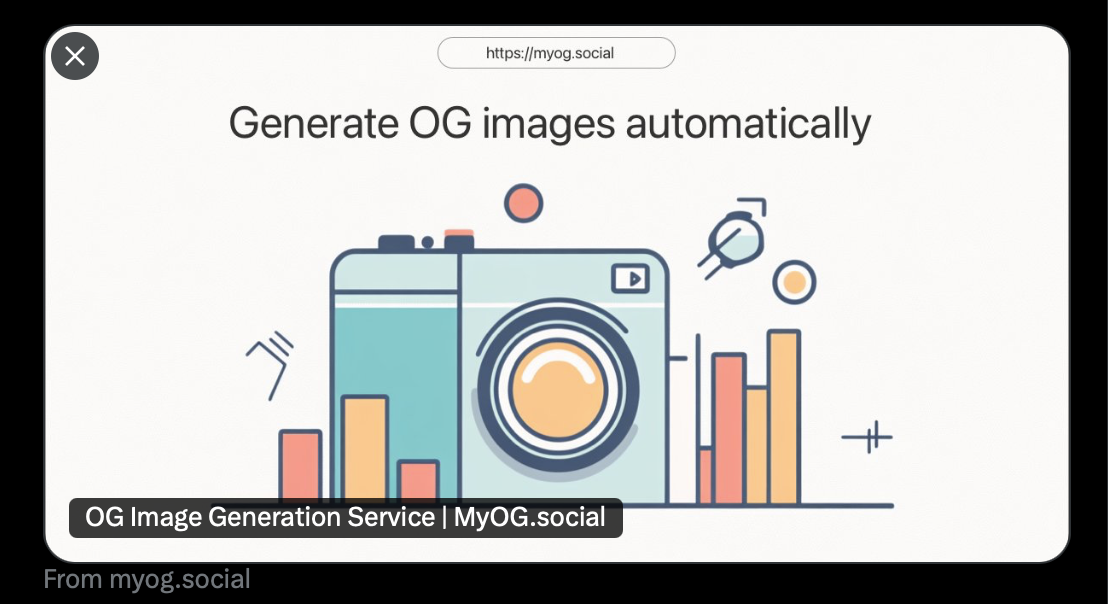
Where OG Images Appear
More places than you'd expect. Facebook, Twitter/X, LinkedIn, Pinterest — those are obvious. But they also show up when you drop a link in Slack, Discord, iMessage, WhatsApp, or Telegram. Notion, Trello, and Asana render them too. SEO tools pull them into their dashboards.
Basic Setup
An OG image needs a public image URL, the right dimensions, and a file format crawlers can fetch. I use JPG or PNG and avoid SVG, GIF, and WebP for the main preview image because a surprising number of platforms still can't handle them reliably.
Add og:image:width and og:image:height too. They are not fancy, but they remove guesswork for crawlers and preview tools.
For the exact 1200 × 630 size, aspect ratio, file-size target, safe area, and copy-paste tags, use the OG image size guide . This article explains the concept; that guide is the sizing reference.
How to Create an Open Graph Image
However you create the image, the page setup is the same — an og:image meta tag in your <head>.
Adding the Meta Tag
<meta
  property="og:image"
  content="https://example.com/og-image.png"
/>
<meta
  property="og:image:width"
  content="1200"
/>
<meta
  property="og:image:height"
  content="630"
/>
<meta
  property="og:image:alt"
  content="Description of the image"
/>
The URL must be absolute (with https://) and publicly accessible. Platforms fetch it from their servers, so relative paths like /image.png won't work. The og:image:alt tag is for accessibility — screen readers use it.
Manual Design
Figma, Canva, Photoshop — pick your tool. We also have a free OG Image Generator if you want something quick. The downside of manual design: you need a new image for every page. Fine for a 5-page marketing site. Falls apart with blogs, product catalogs, or anything dynamic.
Automated Generation
Point your og:image tag to MyOG.social's URL and we generate the image on the fly from your page's title and content. Every page gets a proper preview, no design tool involved. Check how your pages look with our free OG Preview Tool, then install the Chrome extension when you want to inspect OG tags on any page as you browse.
Hosted vs. self-hosted? We wrote a comparison of MyOG.social vs @vercel/og that walks through the trade-offs.
We also have platform-specific guides: OG Images in WordPress and Pre-rendering in Vue for SPA sites.
What Makes a Good Open Graph Image
These images show up as tiny cards in a Twitter feed, thumbnails in Slack, small previews on mobile. The image needs to work at every size.
Readability
Go bigger than you think on text. 40-60px minimum for headlines — the image gets shrunk down on mobile. High contrast matters. If you have to squint to read it on a light background, it won't work. Keep it to 5-10 words max.
Visual Hierarchy
One clear focal point. Don't cram your logo, headline, subtitle, URL, and a decorative pattern all into one image. Leave whitespace. Keep important content away from the edges — some platforms crop a few pixels off each side.
Branding
Include your logo, but it doesn't need to dominate. Consistency matters more — same colors, fonts, and layout across all your OG images. When someone sees three of your links in a feed, they should recognize them as yours immediately.
Content Relevance
Match the page content. Clickbait OG images might get the initial click, but they tank your bounce rate and erode trust. Show what someone will find when they land on the page.
What Does OG Mean in SEO?
OG stands for Open Graph — the protocol that turns a plain URL into a rich preview card. Built for social sharing, but it has a real impact on SEO too, even if indirect.
Social Signals and SEO
Google doesn't use social shares as a ranking signal directly. But posts with images get 2-3x more engagement than text-only links. More engagement, more clicks, more traffic, more chances someone links to your content from their blog. Second-order effect, but real.
Search Result Previews
Google Discover — the feed on Android and the Google app — often pulls in your OG image alongside the page title. If some articles look better than others in Discover, the OG image is usually the difference.
Rich Snippets and Social Proof
Drop a link on Reddit or Hacker News and the preview card is what people judge before they click. A polished OG image signals credibility. A missing one — or worse, a random image pulled from your page — does the opposite.
The Complete Meta Tag Picture
OG tags aren't the only meta tags that matter. Pair them with:
og:titleandog:descriptioncontrol the social preview texttwitter:cardandtwitter:imagelet you customize the Twitter/X preview separately- The standard
meta descriptionhandles search engine results
Get these right and your content looks polished everywhere — Google results, Twitter feeds, Slack messages. For a full breakdown of every OG tag with code examples, see our OG Meta Tags Guide.
Why OG Images Matter
Increased Engagement
Links with images get 2-3x more clicks, likes, and shares than plain text links. A visual preview stands out in a wall of text. The numbers vary by platform, but the pattern is consistent.
E-commerce Click-Through Rates
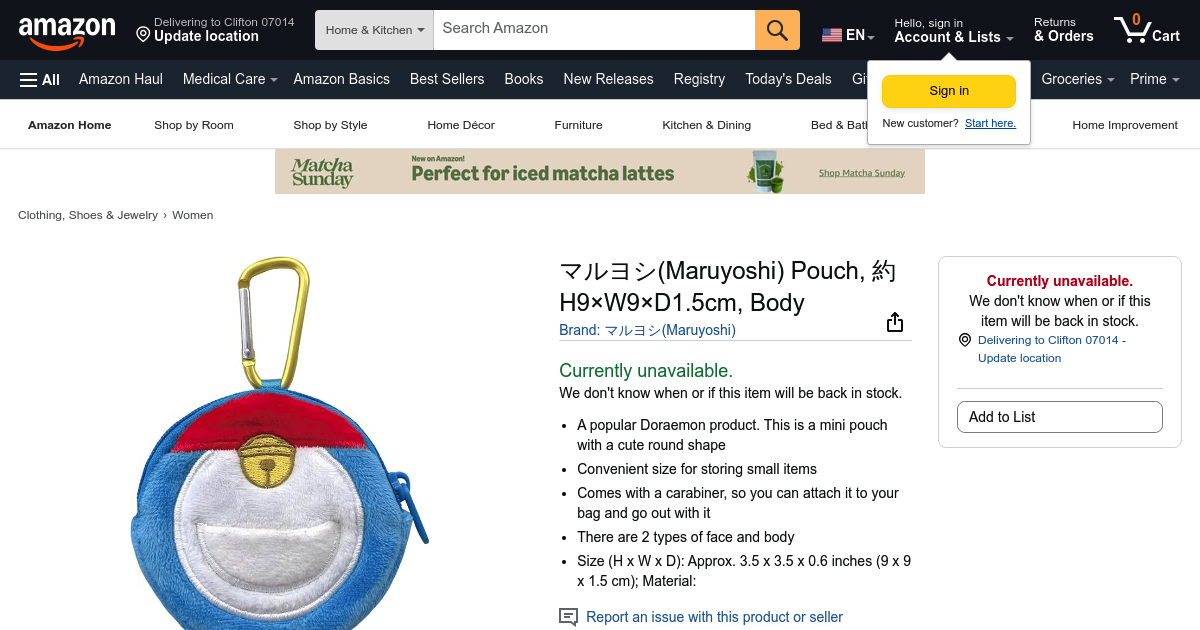
For e-commerce, OG images earn their keep. When a customer shares a product link in a group chat or on social media, the preview card is a free ad. A sharp product image drives more click-throughs than the generic fallback most platforms show.
Typical product page share

With optimized OG image
Brand Consistency
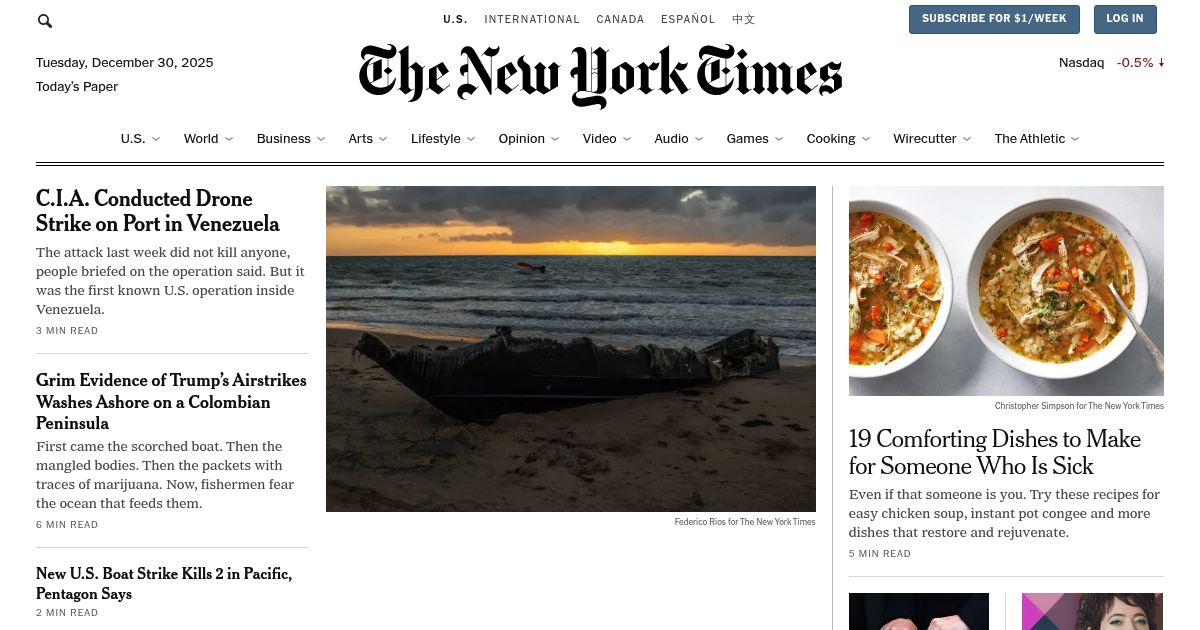
Without an OG image, platforms grab whatever image they find on your page. Sometimes your logo, sometimes a random stock photo from the sidebar, sometimes nothing. With an OG image, you control exactly what people see.
Inconsistent branding

Consistent, branded preview
Professional Appearance
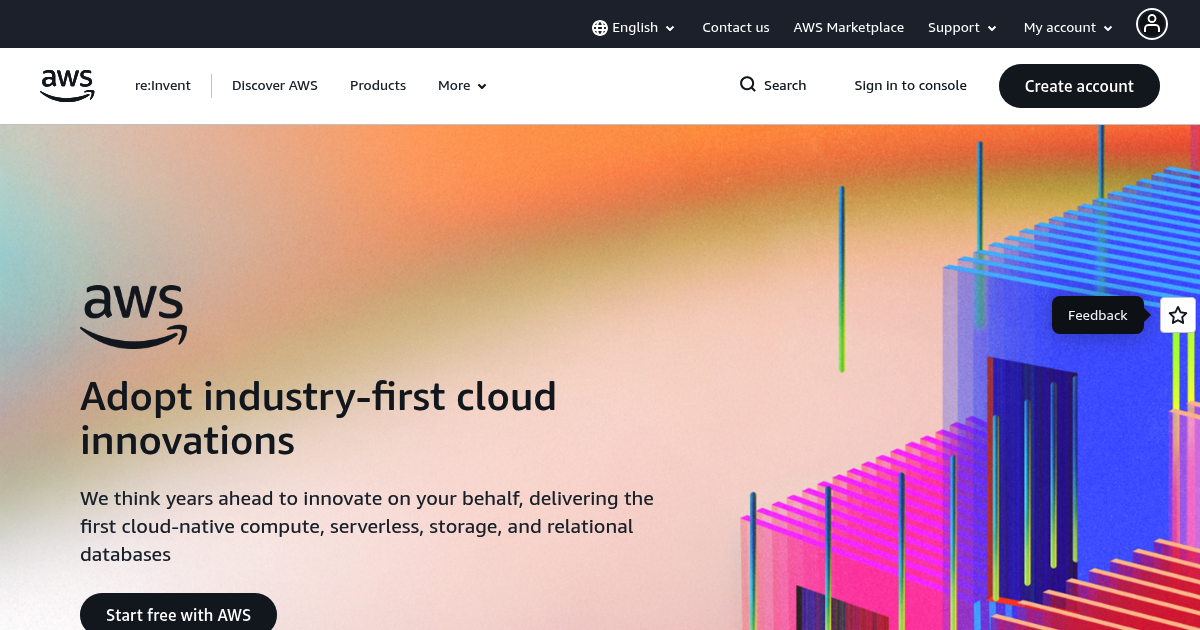
A missing OG image means the platform shows a grey placeholder, and your link looks like spam. A broken image URL is even worse — some platforms just show nothing at all.
No OG image set
Professional preview
Control the Narrative
Highlight a key stat, a product screenshot, or just your brand name on a clean background. Your call, not the platform's algorithm.
No control over preview
You decide what people see
Common Pitfalls
The same mistakes come up over and over. No OG image at all — platform shows nothing or grabs a random image from your page (often your favicon stretched to 1200px). Wrong dimensions — aspect ratio is off, platforms crop awkwardly, you lose important text. Relative URLs — /image.png doesn't work because platforms fetch from their servers, not yours. Oversized files — image takes more than a couple seconds to load, the platform gives up.
CORS errors and caching headaches are covered in our OG Image Testing Guide, which walks through how to diagnose and fix them.
How MyOG.social Helps
Automatic OG Image Generation
Add one meta tag to your site and we generate OG images for every page on the fly, from your page's title and content. No Figma, no Canva, no exporting PNGs.
Flexible Integration
You don't have to go all-in. Custom OG image for your homepage? Keep it. MyOG.social only generates where you point it — mix hand-crafted images with auto-generated ones however you want.
Free Tools
Free tools, usable whether or not you're a customer:
- OG Image Size Guide — 1200 × 630, OG image dimensions, aspect ratio, file type, and platform quirks
- OG Meta Tags Guide —
og:title,og:description,og:image,og:url, and the tags crawlers read - OG Image Generator — pick a template, customize it, download the image
- OG Preview Tool — see exactly how your link looks on different platforms
- Bulk OG Checker — scan your whole sitemap for missing or broken OG tags
- How to Clear Cached OG Images — fix stale social previews after you update the image
- Social Preview Debugger Tools — Facebook, LinkedIn, X, Slack, Discord, and chat app checks
Catches missing images, CORS problems, and broken URLs before your audience does.
Frequently Asked Questions
What is an Open Graph image?
The preview image that shows up when you share an OG link on social media or in a messaging app. Set it with an og:image meta tag in your HTML. Without one, platforms show nothing or grab a random image from your page.
What is an OG link?
An OG link is a page URL with Open Graph tags in its HTML. The URL stays normal, but crawlers read og:title, og:description, og:image, and og:url before they build the preview card.
How do I create an Open Graph image?
Design one manually in Figma or Canva and add it with a <meta property="og:image" content="your-image-url"> tag. Or use a service like MyOG.social that generates images automatically from your page content. Target 1200 x 630 pixels.
What makes a good Open Graph image?
Big text (40px+), strong contrast, your branding. Most OG images fail on at least one of these. The image shows up small on mobile, so anything subtle gets lost. Stick to 5-10 words, keep important elements away from edges — some platforms crop slightly.
What does OG mean in SEO?
OG stands for Open Graph — Facebook's protocol for turning web pages into rich preview cards. Not a direct ranking factor, but it drives more clicks from social platforms and Google Discover, which means more traffic and more potential backlinks.
Ready to get started?
Add automatic OG images to your website in under 2 minutes.
Already have an account?